Planroom and document control
Store plan sets, specs, and versions with the project so estimators and field teams work from the current drawings.
For contractors and estimating teams
Build Logix gives estimators one place to organize plan sets, measure quantities on digital drawings, build cost estimates, send proposals, and turn a winning bid into a scheduled Dispatch Pro job.

Takeoff $149/mo per company · Estimate $249/mo · Month-to-month · No per-estimator annual seats

Planroom
Store plan PDFs, specs, and revisions with the project so estimators and field teams work from the same drawings.
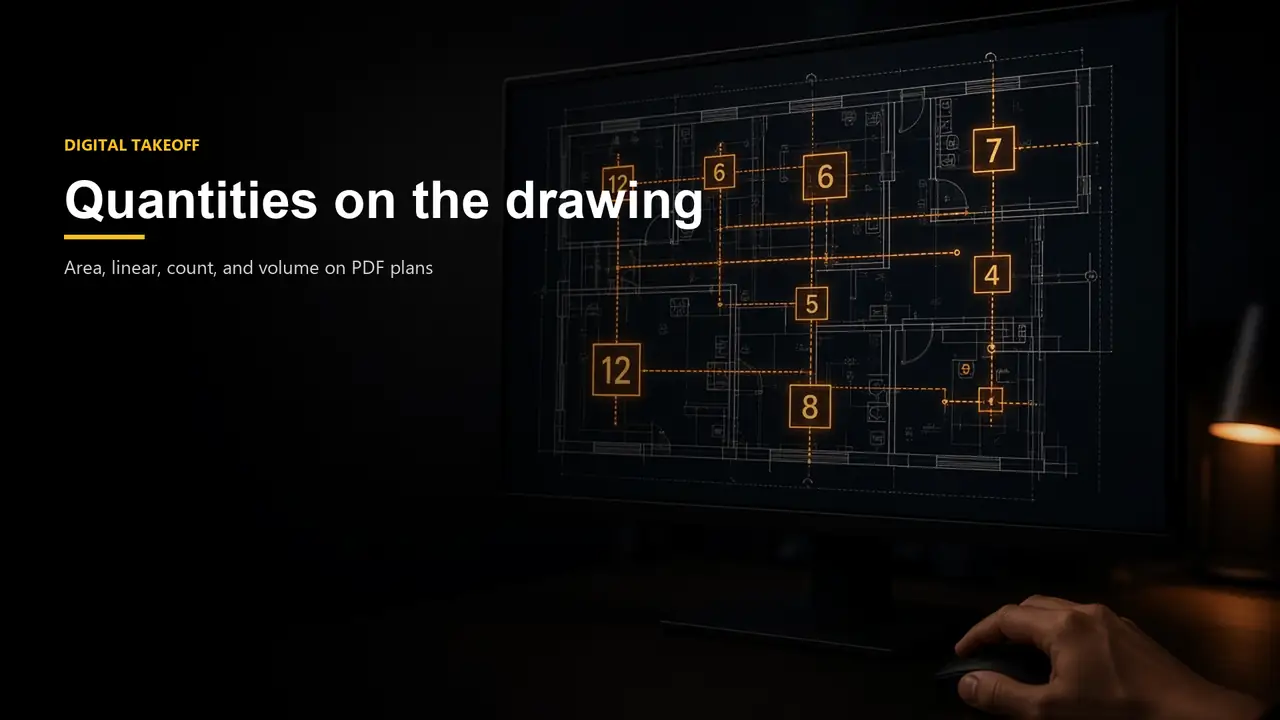
Digital takeoff
Trace area, linear, count, and volume on PDF plans and carry those quantities straight into the estimate.
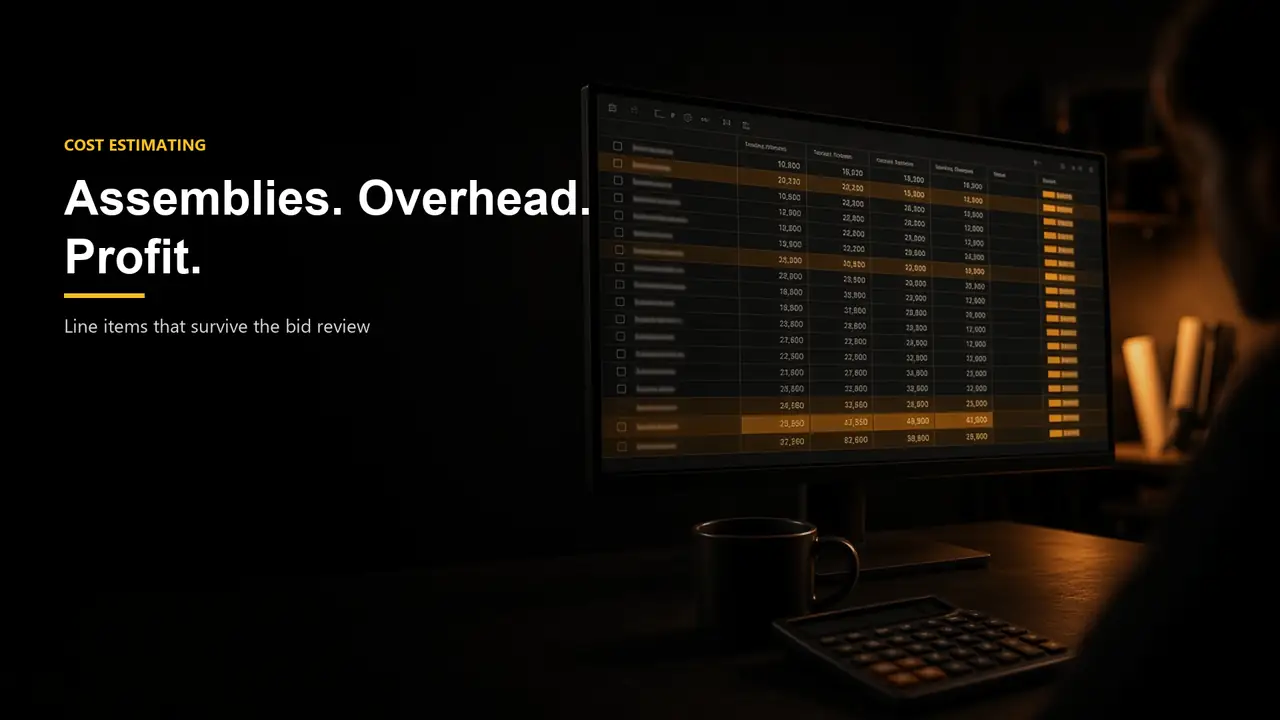
Cost estimating
Organize line items, CSI, assemblies, location factors, overhead, and profit into a bid you can review and defend.
Proposals
Generate a proposal from the takeoff and estimate, then mark the bid won or lost so the pipeline stays accurate.

Awarded work
Create a scheduled Dispatch Pro job from a winning bid—using an existing customer or adding a new one.
A plan set in email, takeoff markups on paper, an estimate in a spreadsheet, and a job created later from memory make it hard to defend a number or start work when the bid is awarded.
Build Logix keeps documents, takeoff, line items, and bid outcome together. When the bid is won, the same record can create the Dispatch Pro customer and job instead of retyping the work.
Store plan sets, specs, and versions with the project so estimators and field teams work from the current drawings.
Measure area, linear, count, volume, and related quantities on PDF plans and carry those quantities into the estimate.
Organize line items, CSI divisions, assemblies, location factors, overhead, and profit into a bid you can review and export.
Generate a proposal from the estimate, then mark the bid won or lost so the pipeline stays accurate.
Create a scheduled Dispatch Pro job from a winning bid, using an existing customer or adding a new one.
Keep RFIs, punch items, and field tasks with the project after the estimate is awarded.
See the complete Dispatch Pro feature list.
Upload the plans — Add the PDF plan set and project details to the planroom.
Take off quantities — Measure the drawings and attach quantities to estimate line items.
Price and propose — Apply assemblies, overhead, and profit, then send the proposal.
Hand off the win — Mark the bid won and create the Dispatch Pro job and customer.
$149/mo
Per company · up to 3 users · month-to-month
Cloud takeoff for specialty shops that measure plans without buying a desktop license or an annual seat for every estimator.
Most popular
$249/mo
Per company · up to 8 users · month-to-month
Takeoff plus assemblies, proposals, and awarded-job handoff for the whole estimating team — one company price instead of a seat for each user.
Custom
Larger GCs and multi-office estimating groups
Company-wide takeoff and estimating with onboarding, security reviews, and a written SLA — quoted for your seat count instead of stacking per-user list prices.
Standard plans are month-to-month. View full pricing.
| Workflow | Without a shared dispatch system | With Dispatch Pro |
|---|---|---|
| Plan documents | Email attachments and paper sets | Project planroom with versions |
| Quantities | Manual scale and highlighter markups | Digital takeoff on the drawings |
| Estimate | Disconnected spreadsheet | Line items, assemblies, overhead, and profit |
| Proposal | Rewritten from scratch | Generated from the estimate |
| Awarded work | Retyped into a separate job system | Converted into a Dispatch Pro job |
Request a Build Logix demo using a representative plan set, estimate, and awarded-job example from your operation.
Request a demo